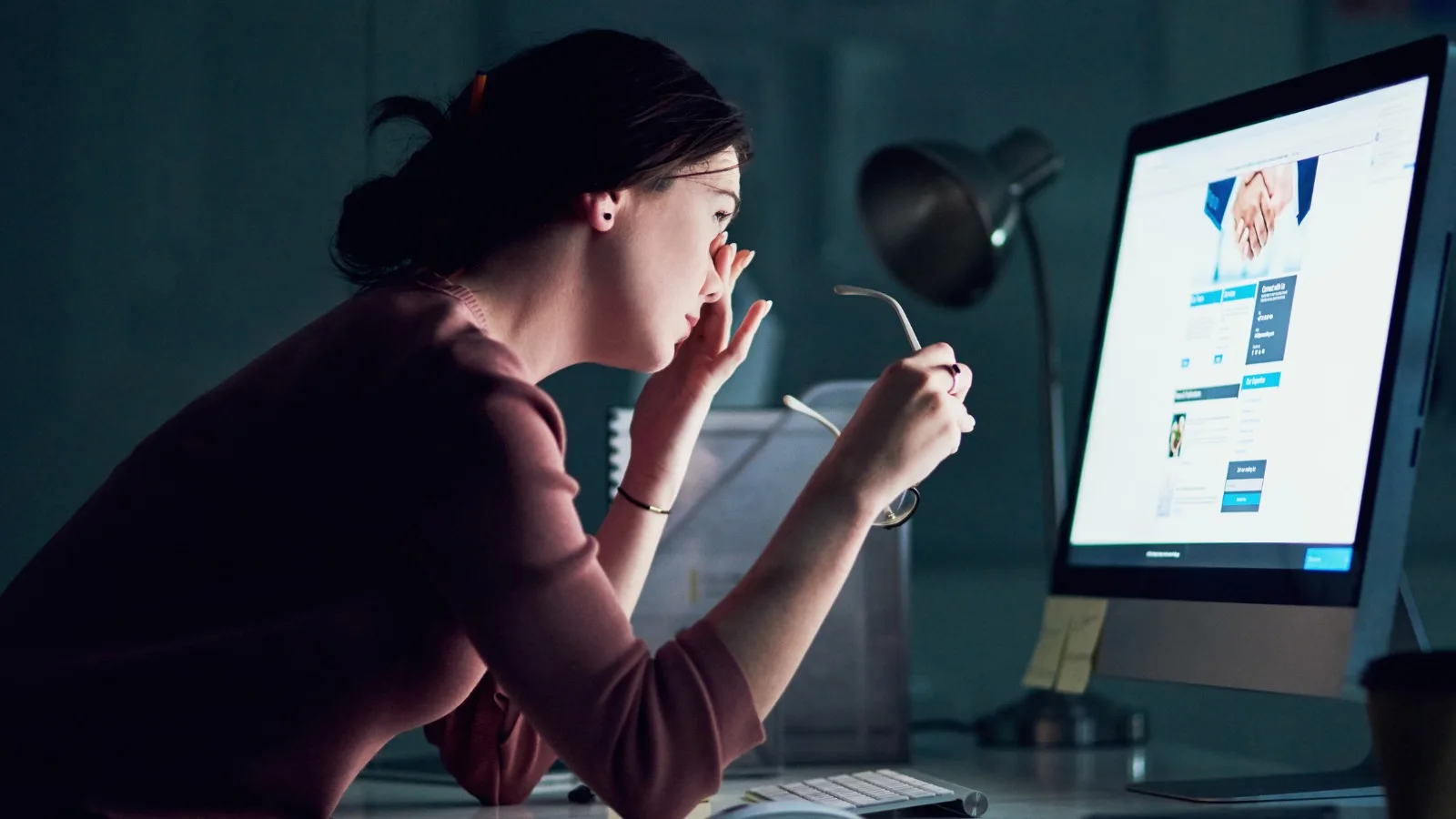
Stinging eyes, blurred vision at the end of the day, headaches: spending long hours in front of a screen tires the eyes. The good news is that this discomfort is reversible. Here is why it occurs and the simple steps that make a real difference day to day.
In brief: digital eye strain is not a disease, but a set of symptoms caused by prolonged visual effort in front of screens. It is reversible. Regular breaks, good workstation ergonomics, and adequate eye hydration are often sufficient to relieve it. If the discomfort persists, an ophthalmic examination can rule out an uncorrected visual problem.
In front of a screen, the eye performs continuous close-up work. Two mechanisms are constantly at play: accommodation, which adjusts the focus for near vision, and convergence, which directs both eyes towards the same near point. Sustained for hours, without the variety of distances that natural vision involves, these efforts eventually make themselves felt.
An often-underestimated factor is added to this: when looking at a screen, people blink considerably less. Yet blinking spreads the tear film that protects and lubricates the surface of the eye. When blinking decreases, the eye dries out, which explains much of the stinging and burning sensation felt at the end of the day.
In addition, a fixed viewing distance, reflections, poor lighting, or an inadequate optical correction all further increase the effort demanded of the eye.
Symptoms typically appear during or at the end of the day and ease with rest. The most common are:
These symptoms are uncomfortable but benign and reversible. They do not in themselves indicate eye damage. However, their persistence despite good habits warrants a professional opinion.
This is one of the questions most frequently raised in consultations. Screens do emit blue light, but at levels far lower than those of sunlight. Based on current knowledge, normal screen use is not recognised as a cause of retinal damage.
The best-documented effect of blue light relates more to sleep: significant evening exposure can delay falling asleep by disrupting the biological clock. Reducing screen use in the evening therefore has its main benefit in improving sleep quality.
As for blue-light-filtering glasses, the evidence for their benefit on visual comfort remains limited to date. Regular breaks and eye hydration have a more clearly demonstrated effect.
In adults, screen-related eye strain is a temporary phenomenon: it does not cause any known permanent damage to the eye. Vision does not deteriorate simply because one has spent a day working intensively on screen.
The nuance concerns children and adolescents. Significant time spent on near work, combined with a lack of outdoor activities, is among the factors being studied in relation to myopia progression. Conversely, time spent outdoors in daylight appears to play a protective role.
In other words, screens do not "wear out" vision, but visual habits, especially in younger people, do matter.
A few simple adjustments, sustained over time, make a real difference.
Every 20 minutes, look at a point about 6 metres away for 20 seconds. This micro-break relaxes accommodation.
Blinking deliberately and taking regular breaks helps restore the tear film.
Screen at about an arm's length (50 to 70 cm), top edge at eye level or slightly below, slightly tilted.
Avoid reflections on the screen, maintain soft ambient light, never stare at a bright screen in complete darkness.
If dryness is a problem, preservative-free artificial tears can provide relief. Seek advice before using them regularly.
An up-to-date optical correction, sometimes with lenses designed for screen work, significantly reduces visual effort.
Reducing screen use in the evening and ensuring good sleep allows the eyes to recover.
In children, the concern is not only comfort but also healthy visual development. Some straightforward guidelines: limit screen time according to age, encourage outdoor activities, maintain an adequate viewing distance with regular breaks, and remain alert to warning signs (the child moves closer to the screen, squints, or complains of headaches).
Regular ophthalmic examinations allow any visual problem to be detected early and, where appropriate, the progression of myopia to be monitored.
Eye strain that clears with rest is not a cause for concern. But certain signs warrant prompt advice:
An examination allows the prescription to be checked, any dry eye to be assessed, and the overall health of the eye to be confirmed, in particular the retina. Dr Gattoussi, an ophthalmologist with a subspeciality in retinal imaging, sees patients in Paris 11th.
No. It is a temporary, reversible discomfort. Normal screen use is not recognised as a cause of lasting eye damage. If the discomfort persists, an examination can rule out an uncorrected visual problem.
The evidence for their benefit on visual comfort remains limited. Regular breaks, ergonomics, and eye hydration have a more clearly demonstrated effect.
Approximately an arm's length, about 50 to 70 cm, with the top edge of the screen at eye level or slightly below.
For screen-related dryness, preservative-free artificial tears can provide relief. For regular use, it is better to seek advice during a consultation.
Without being alarmist, it is worthwhile to limit screen time, encourage outdoor activities, and ensure regular ophthalmic check-ups, particularly to monitor myopia.
This article is for general information purposes and does not replace a consultation. It does not constitute individual medical advice.
Further reading